

About a year ago, I was sitting at my kitchen table at 11pm, staring at a half-written post about meal prepping, and I genuinely could not finish a single sentence. I’d been blogging for almost three years at that point, two to three posts a week, and the well had just… run dry. Not the ideas. The energy to turn ideas into 1,500 readable words without sounding like I was filling out a form.
A friend who runs a travel blog told me to “just use AI for the first draft,” like it was the most obvious thing in the world. I remember feeling weirdly defensive about it, like it would mean I wasn’t a “real” writer anymore. But I was tired, and tired wins arguments with pride every time.
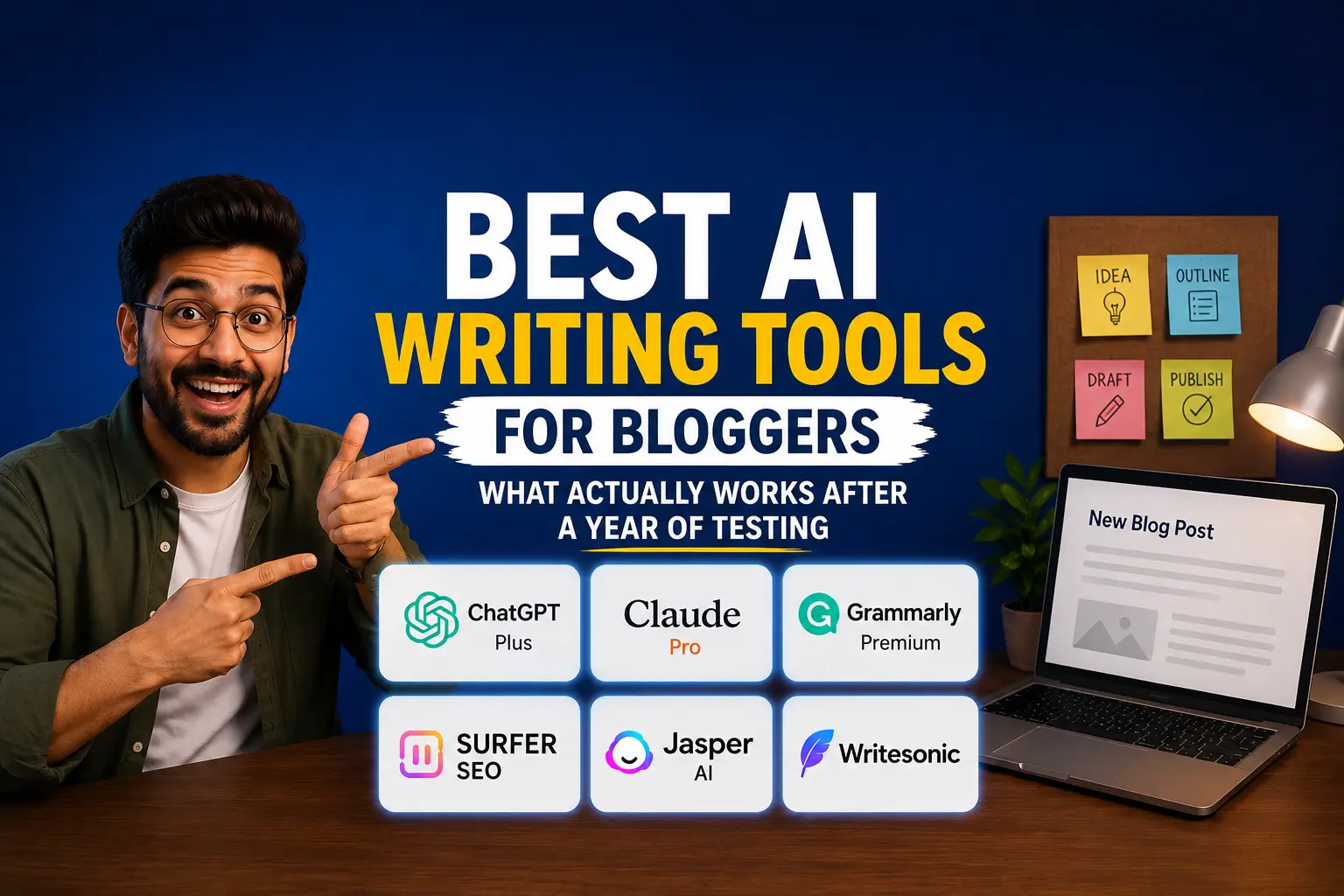
So I tried it. Then I tried six more tools over the following months, paid for subscriptions I later canceled, wasted a couple of mornings fighting with clunky dashboards, and eventually landed on a workflow that actually saves me time without making my blog read like a robot wrote it. That’s what I want to walk you through here — not a generic list copied from a press release, but what these tools are actually like to use day to day.
The thing nobody tells you before you start
Here’s what surprised me most: AI writing tools are genuinely good at structure and genuinely bad at being you.
They’ll give you a clean outline, a decent intro, and section headers that flow logically. What they won’t give you is the specific detail that makes a post feel real — the time you burned the garlic because you got a phone call, the exact brand of running shoes that gave you blisters, the dumb mistake you made so your readers don’t have to. That part is still on you.
Once I accepted that the AI is a drafting assistant and not a ghostwriter, everything got easier. I stopped expecting magic and started expecting a head start.
The tools I actually pay for (and the ones I dropped)
ChatGPT (Plus, $20/month) — my brainstorming partner
This is the one I open first, almost every time. Not for full drafts anymore, but for the messy thinking stage: turning a vague idea like “write something about productivity” into five actual angles I could run with.
I’ll type something like “I want to write about why my morning routine fell apart after I had a kid, give me 6 different angle ideas, mix of personal and practical” and it’ll spit out options I genuinely wouldn’t have thought of on my own. It’s also great for generating FAQ sections, because it’s good at guessing what real people search for around a topic.
Where it falls short for me: long-form drafts from ChatGPT tend to have a certain rhythm — short punchy sentence, slightly grander statement, repeat — that readers have started recognizing as “AI voice.” If I ask for a full 1,500-word article in one go, I have to rewrite a good third of it just to get rid of that pattern.
Claude (Pro, $20/month) — for the actual drafting
This became my main drafting tool, and honestly it surprised me. I’d give it my outline, my rough notes, and a couple of past posts of mine to read so it could match my tone, and the draft that came back needed way less editing than ChatGPT’s.
It’s noticeably better at holding a consistent voice across a long piece. If I tell it “I’m sarcastic, I use short paragraphs, I hate the word ‘leverage’,” it actually remembers that instruction three sections later, which is more than I can say for some other tools I tried. For anything over 1,000 words, this is where I land now.
Grammarly (free plan, sometimes Premium) — the safety net
I don’t use Grammarly to write anything. I use it to catch the stuff I miss when I’m tired and reading my own work for the fifth time — comma splices, a sentence that trails off, that one typo where “your” should’ve been “you’re.” The browser extension sits quietly in my WordPress editor and only speaks up when something’s actually wrong.
The free version covers basic grammar and spelling, which is honestly enough for most bloggers. I upgraded to Premium for a few months mainly for the tone detector, then let it lapse because I realized I could tell my own tone just fine — I just couldn’t spot my own typos.
Surfer SEO — the one I went back and forth on
Full disclosure: I almost didn’t include this because it’s not cheap. Plans start around $89 to $99 a month depending on when you sign up and whether you go annual, which is a real number for a solo blogger to swallow.
I tried it for three months on one of my niche sites. What it does well is take the guesswork out of “did I actually cover what Google wants to see.” You drop in your target keyword, it scans the top-ranking pages, and gives you a live score as you write based on terms those pages use that yours doesn’t.
Did it work? Two of the four articles I optimized with it moved from page two to page one within about six weeks. The other two didn’t budge much, probably because the keywords were more competitive than I gave them credit for. My honest take: if you’re publishing fewer than 6 to 8 SEO-focused posts a month, it’s hard to justify the price. If ranking is genuinely how you make money from your blog, it can pay for itself fast. There are cheaper alternatives like NeuronWriter (around $19/month) that get you maybe 70% of the value for a fraction of the cost, and that’s actually where I ended up sticking.
Jasper AI — good, but I didn’t need it
I trialed Jasper because so many people recommend it, and it’s genuinely well built — the Brand Voice feature, where you train it on your past writing so new drafts sound like you, is one of the better implementations I’ve seen. It’s clearly built for teams and agencies managing multiple writers and clients who need consistency across the board.
For me, a single blogger writing in my own voice, it felt like more tool than I needed at $39/month. If you’re managing a content team or writing for clients with very different tones, it’s worth a serious look. If it’s just you, you might not use half of what you’re paying for.
Writesonic — the budget pick that actually held up
I almost skipped this one assuming “cheap means worse,” and that wasn’t entirely fair. At around $16/month, its Article Writer feature generates a full draft from a title in a couple of minutes, and while it’s not quite as polished as Claude for tone, it’s a genuinely usable starting point, especially if money is tight when you’re just starting out.
My actual step-by-step process now
Here’s the workflow I settled into after all that trial and error, in case it saves you some of the guessing:
Step 1: Brainstorm with ChatGPT. I get 5 to 8 angle ideas on a topic and pick the one that actually makes me want to write it.
Step 2: Build a rough outline myself. I don’t let AI do this part anymore. I jot down the actual experiences or examples I want to include, even just bullet points, because this is what keeps the post from sounding generic.
Step 3: Draft with Claude. I feed it my outline plus my personal notes and ask for a full draft in my established tone. I always paste in a sample of my own past writing first so it has something to match.
Step 4: Read it out loud. This sounds basic, but it catches more “that’s not how a person talks” moments than any tool does. If a sentence makes me wince when I say it, it gets cut or rewritten.
Step 5: Run it through Grammarly. Quick pass for the small stuff.
Step 6: SEO check, if it’s a search-focused post. NeuronWriter or Surfer, depending on the post’s importance to my traffic goals.
Step 7: Add my own specific details back in. Names of products I actually used, photos I actually took, numbers from my actual results. This is non-negotiable for me now.
👉 After the “My actual step-by-step process now” section: “If you haven’t nailed down your blogging schedule yet, I broke down how I plan a month of posts in one sitting in this post — it pairs well with the workflow above.”
Mistakes I made so you don’t have to
I want to be honest about a few things that went wrong along the way, because the “best tools” lists rarely mention this part.
I once published a post almost entirely AI-drafted without enough editing, mostly because I was on a deadline and tired. A reader left a comment basically saying “this reads like it was written by a robot,” and they weren’t wrong. It hurt, but it taught me the lesson fast: unedited AI content has a specific texture to it, and readers notice even when they can’t articulate why.
I also overpaid for tools I barely used. I had Jasper, Surfer, and ChatGPT Plus all running at once for two months, paying close to $150 a month, and using maybe 30% of what any of them offered. Audit your subscriptions every couple of months. If you haven’t opened a tool in three weeks, that’s your answer.
And one Google-specific thing worth knowing: publishing large volumes of unedited, low-effort AI content is exactly the pattern that search engines have gotten much better at identifying and penalizing. The tools aren’t the risk. Treating them as a replacement for editorial judgment is the risk.
👉 Near the “Mistakes I made so you don’t have to” section: “This ties into a bigger mistake I made early on with overpaying for tools I barely touched — I go deeper into trimming a blogging budget in this guide.“
Common mistakes to watch for
A few patterns I’ve noticed across other bloggers I’ve talked to about this, not just myself:
Trusting AI-generated facts without checking them. These tools will state things confidently that are sometimes just wrong, especially around statistics, dates, or anything time-sensitive. Always verify before you publish.
Using the same prompt structure every time, which makes every post sound the same even across different topics. Mix it up, give it different personality instructions, feed it different writing samples.
Skipping the “read it out loud” step because you’re in a rush. This is genuinely the fastest way to catch the parts that don’t sound human.
Forgetting that AI tools have no idea what actually happened to you. Anything that makes a post unique — your mistake, your specific result, your honest opinion — has to come from you, every time.
Where I’ve landed
If I had to recommend a starting point to someone exactly where I was at that kitchen table a year ago, it’d be this: get ChatGPT Plus or Claude Pro for $20 a month, use the free version of Grammarly, and don’t touch a paid SEO tool until you’ve actually published consistently for a couple of months and have a clearer sense of whether ranking is your main goal. You can always add Surfer or NeuronWriter later once you know it’s worth it for your specific traffic strategy.
The tools genuinely do save time. I write faster than I did a year ago, and I haven’t run out of ideas the way I used to. But the posts that actually do well, the ones people comment on and share, are still the ones where I clearly show up in the writing. AI got me past the blank page. It never got me past the part that actually matters.

1 thought on “Best AI Writing Tools for Bloggers (What Actually Works After a Year of Testing)”